
What it is
A defined threshold system that monitors real-time data and triggers alerts or actions when something deviates from normal.
Operational Control in Real Time
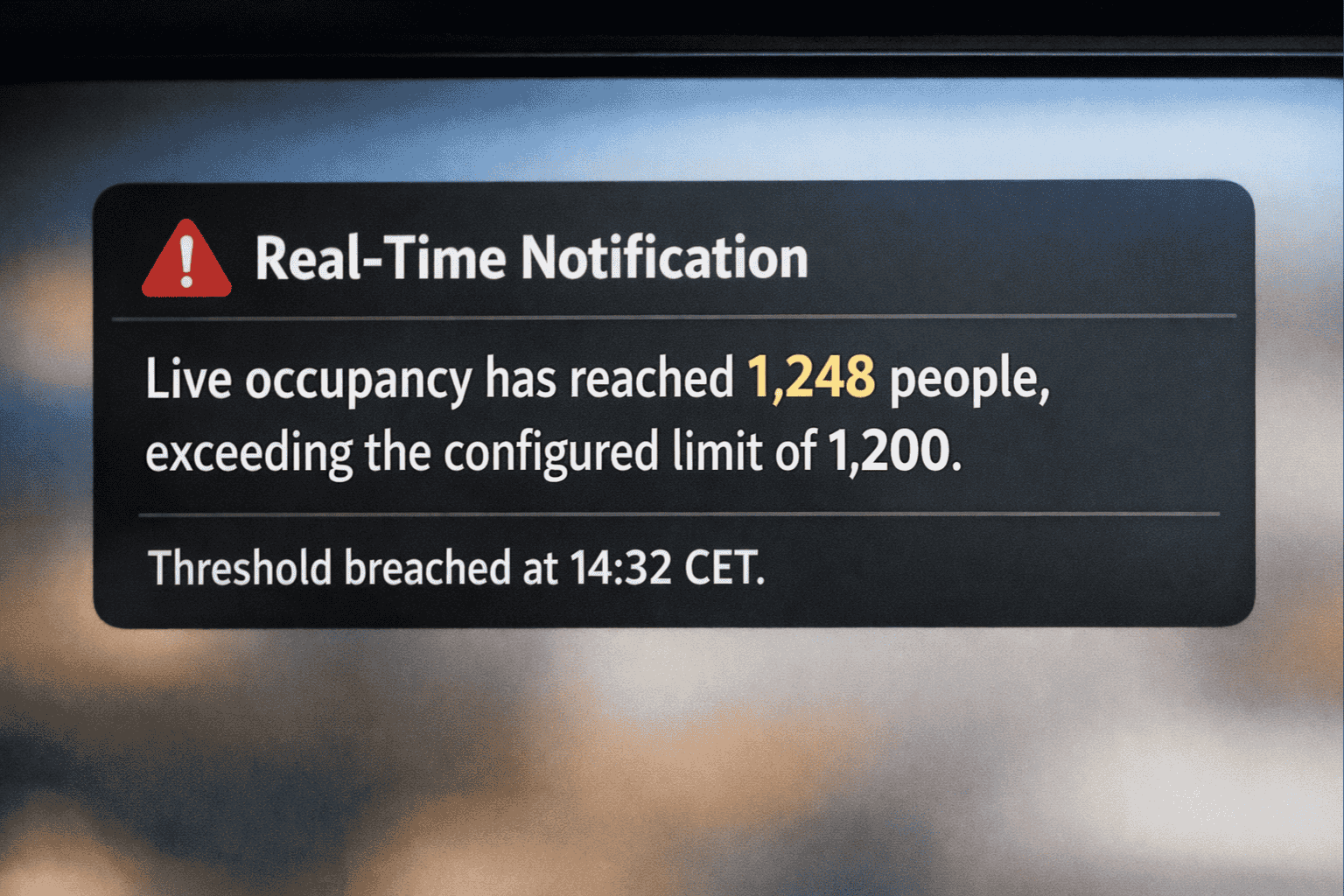
Trigger intelligent alerts based on live occupancy, traffic, and capacity thresholds. Automate actions and maintain control across every location.

Real-time alerting means deviations in visits, flow, or capacity trigger action immediately—not in the next report. Automation means the response can happen without manual intervention.
A defined threshold system that monitors real-time data and triggers alerts or actions when something deviates from normal.
Stable data sources, documented thresholds, and clear ownership—otherwise alerting creates noise, not control.
Operational control in real time: shorter reaction time, fewer manual steps, and faster site-level decisions.
Real-time alerting isn’t about more signals. It’s about a small set of defined signals that are fast enough to act on—and stable enough to trust.
Visits or passes per time unit. Used to detect sudden drops, spikes, and deviations from normal operations.
Load against defined limits—e.g., max occupancy per zone or queue pressure at entrances.
Health of the measurement chain: sensor, data path, and expected coverage. Alerts when measurement becomes unreliable.
Concrete triggers that can be logged and audited: what happened, when, where, and what response was triggered.
Goal: fewer, better alerts. An alert without a defined action is just noise.
Real time is less forgiving. You can’t “fix it in the report.” Wrong thresholds create noise. Wrong context triggers the wrong action. And without ownership, alerts die in an inbox.
Most real-time setups fail because they alert on everything. An alert must be rare enough to be taken seriously.
A number without context triggers the wrong response. Real time requires knowing what’s normal, what’s planned, and what’s operational.
Alerting without ownership and a response log is just notifications. You need to know who does what—and whether it happened.
Real time is an operating discipline. Technology is only one part of it.
When alerts are precise and owned, operations can be managed in real time: less risk, faster response, and fewer manual loops.
Detect drops, spikes, and capacity breaches as they happen—and escalate to the right role before it grows.
Connect triggers to systems and routines: notify, create a ticket, change status, or start a process.
With clear rules, you need fewer manual checks. Control comes through exceptions—not constant monitoring.
Real time delivers value only when it’s tied to decision and action.
Real-time alerting works when it’s tied to real operational processes—with clear ownership and defined response.
Alerts for capacity breaches, queue pressure, or unusual spikes—with escalation and defined response.
Alerts when the measurement chain becomes unreliable: sensors down, breaks in series, or variance that indicates data issues.
Alerts for variance that affects revenue or service: underperformance, unexpected drops, or spikes requiring staffing.
If there isn’t a defined response, it shouldn’t be an alert.
Alerting gets adopted when it’s precise, traceable, and predictable. Trust comes from data quality, clear rules, and visible ownership—not more notifications.
Every alert is explainable: which threshold, zone, data, and time window triggered the event.
Alerts should respect data quality. When the measurement chain is unreliable, it must be visible—otherwise you get false alarms.
Alerting needs ownership. You should be able to see if alerts are handled, how fast, and whether actions reduce recurrence.
A good alert isn’t the one that fires often. It’s the one that triggers the right action.
The goal is operational impact, not more notifications. These are the questions that typically come up in enterprise procurement.
Start with a small set of signals and clear thresholds by zone. Use debounce/hysteresis and require every alert to have a defined response. If it doesn’t—remove it.
It’s defined by time resolution and response time. For many use cases, 1–5 minutes is enough. What matters: fast enough to act, stable enough to trust.
Yes—typically via webhook or integrations into ticketing, staffing, ops systems, or messaging channels. We recommend starting with “notify + ticket” before harder automation.
By linking alerts to quality signals: coverage, status, and breaks in series. When data quality is low, the alert should be flagged as “measurement unreliable” or handled as an ops issue.
For over 30 years, CountMatters has defined the standard in visitor analytics.
As the original innovators of people counting, we transform foot traffic into business intelligence.